3000 Huron St, Unit 650, Denver, CO 80202
+1 (720) 897-8865

Welcome to the IAPUC Verification Portal. Here you can verify the authenticity of documents issued by the International Association of Private Universities and Colleges.
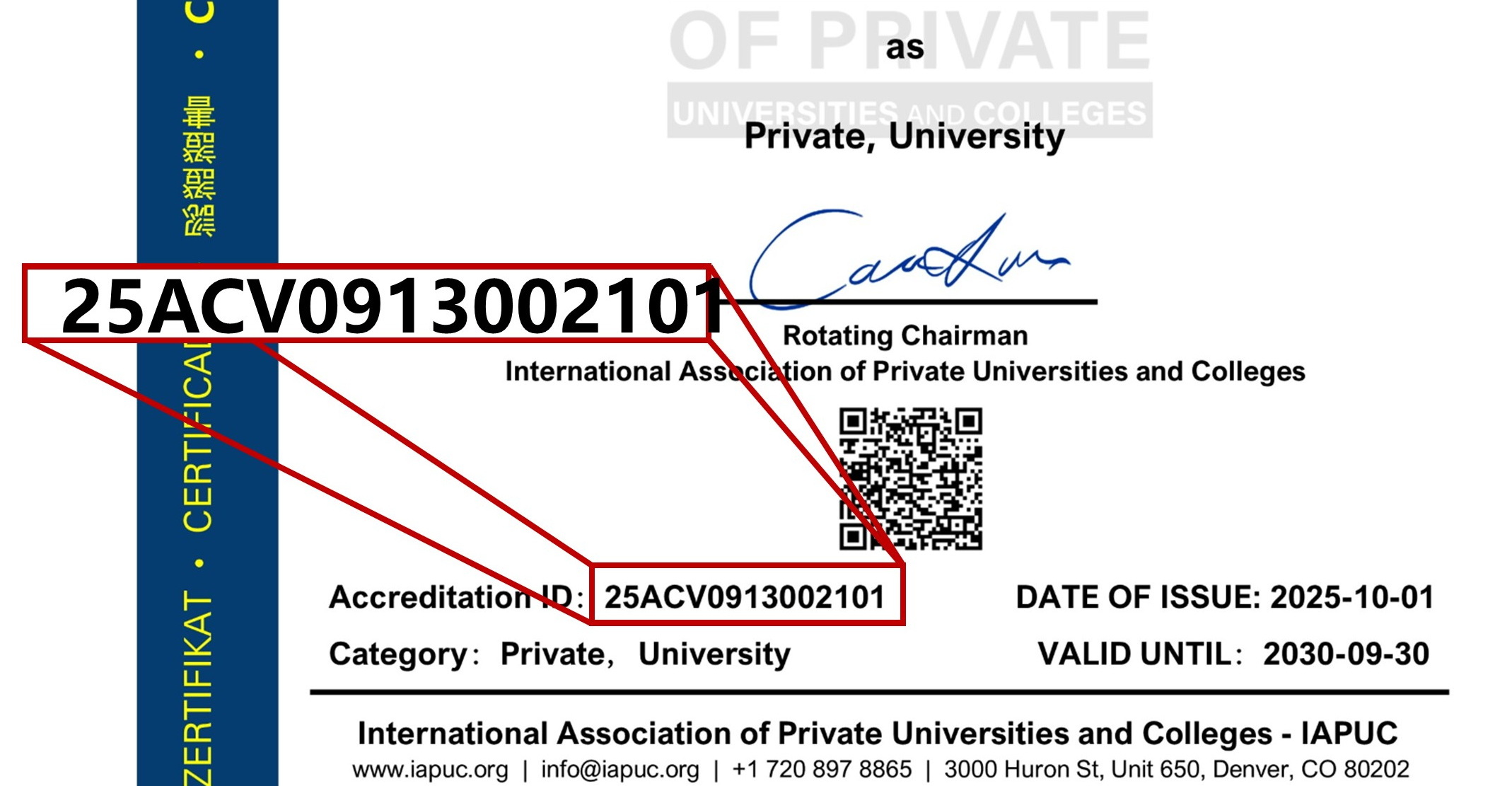
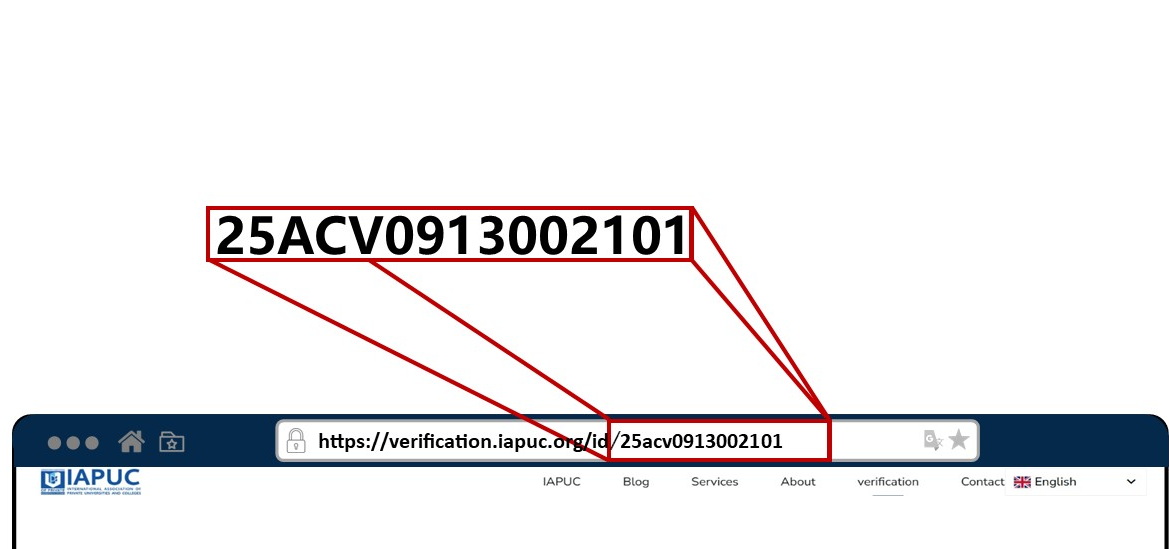
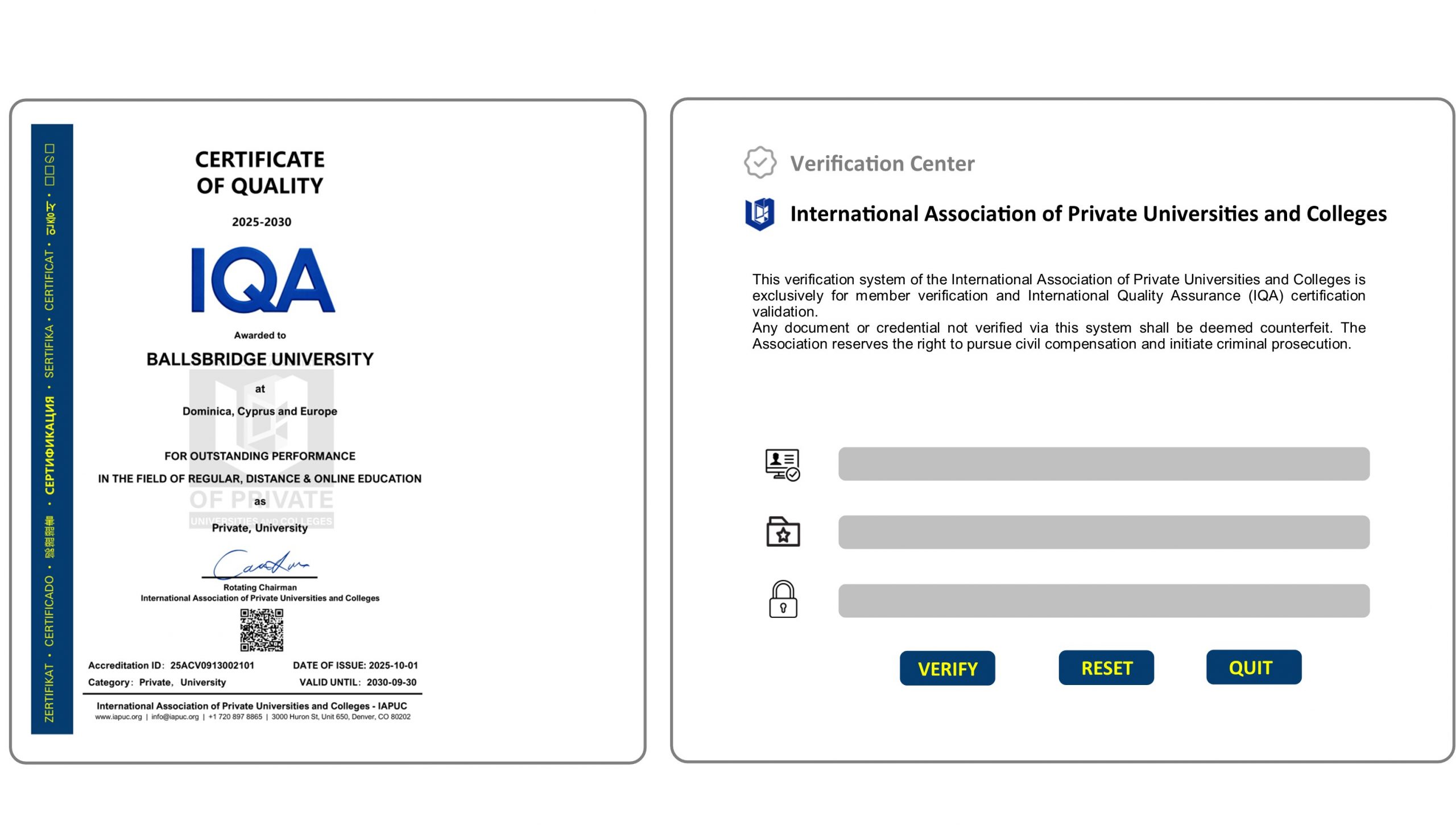
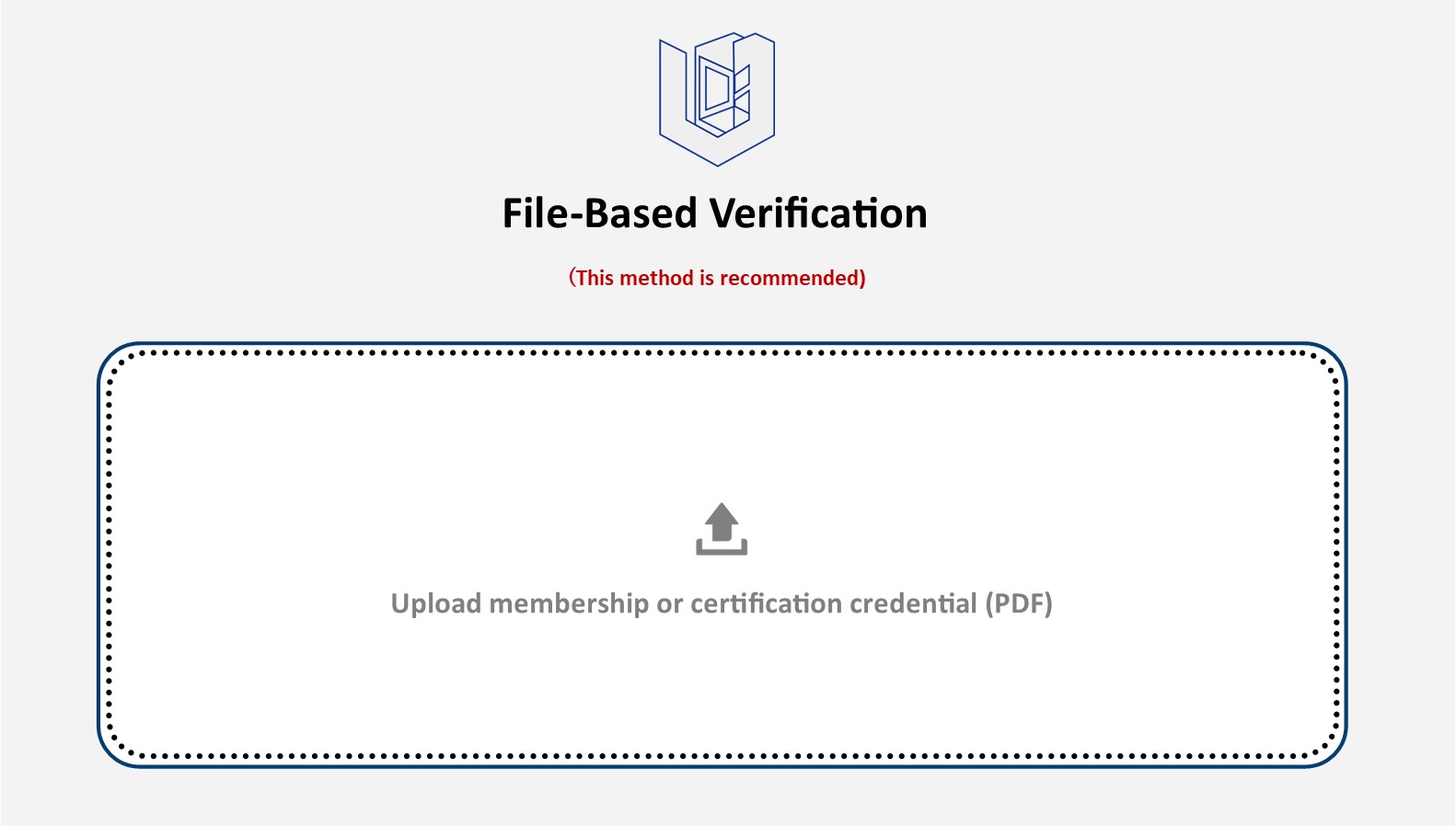
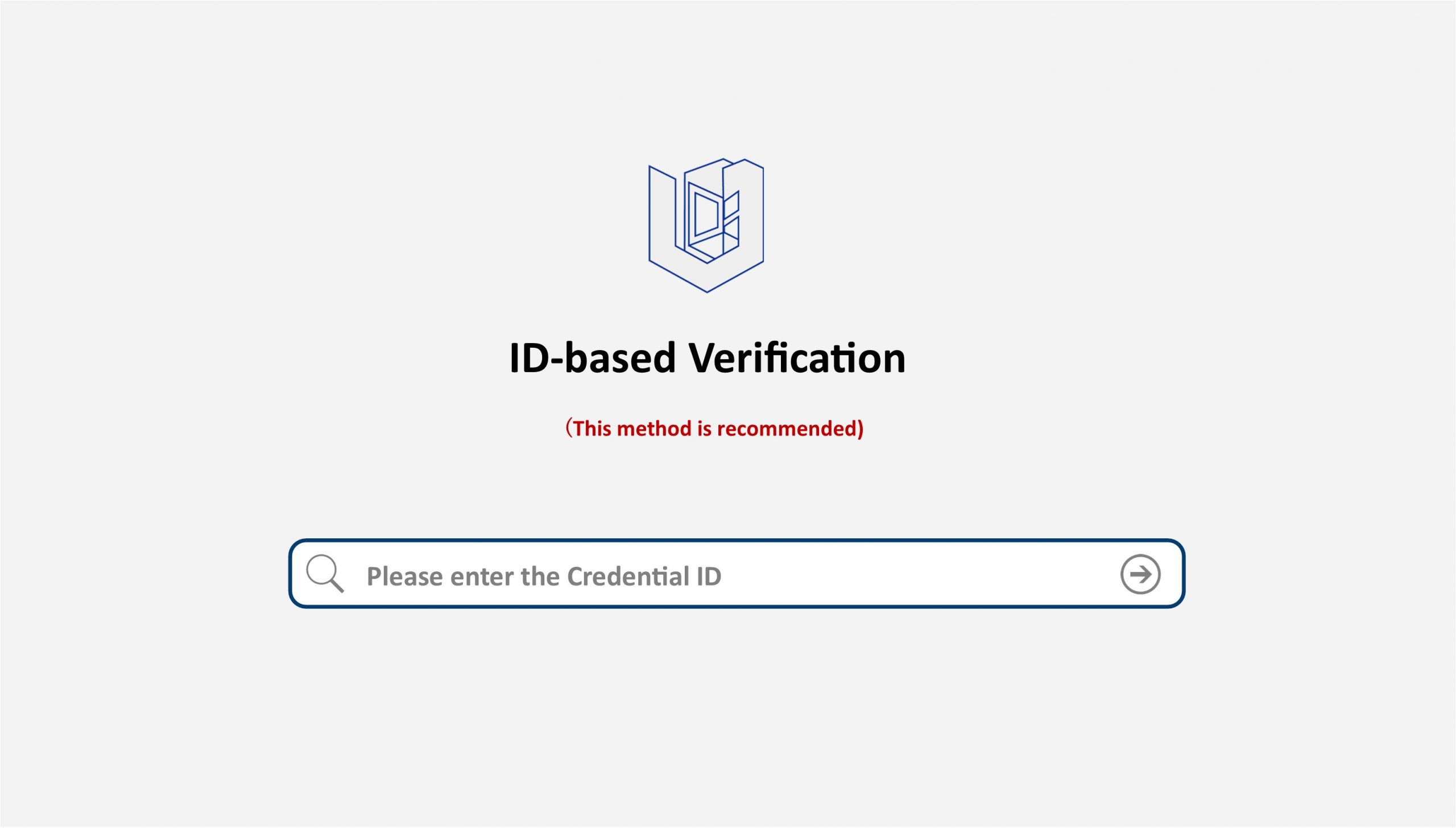
We issue membership certificates, certification credentials and corresponding dedicated webpages to both institutional and individual members (see samples). Institutional members are entitled to present the certificates on their official websites in three formats: dedicated webpage link, PDF file and image. Full guidelines for finding your membership or certification Credential ID are stated below.

The International Association of Private Universities and Colleges (IAPUC), a global authoritative non-profit industry organization serving private higher education institutions worldwide, devotes itself to quality accreditation, standard development, academic exchanges and international advancement of private universities, colleges and private higher vocational colleges.
United through sincere collaboration, rooted in professional proficiency, guided by global vision to perceive trends, and sustained by steadfast perseverance amid shifts, we help private universities and colleges address emerging challenges and disruptive transformations with composure.
You cannot copy content of this page
